 soofShoot
Complete editing
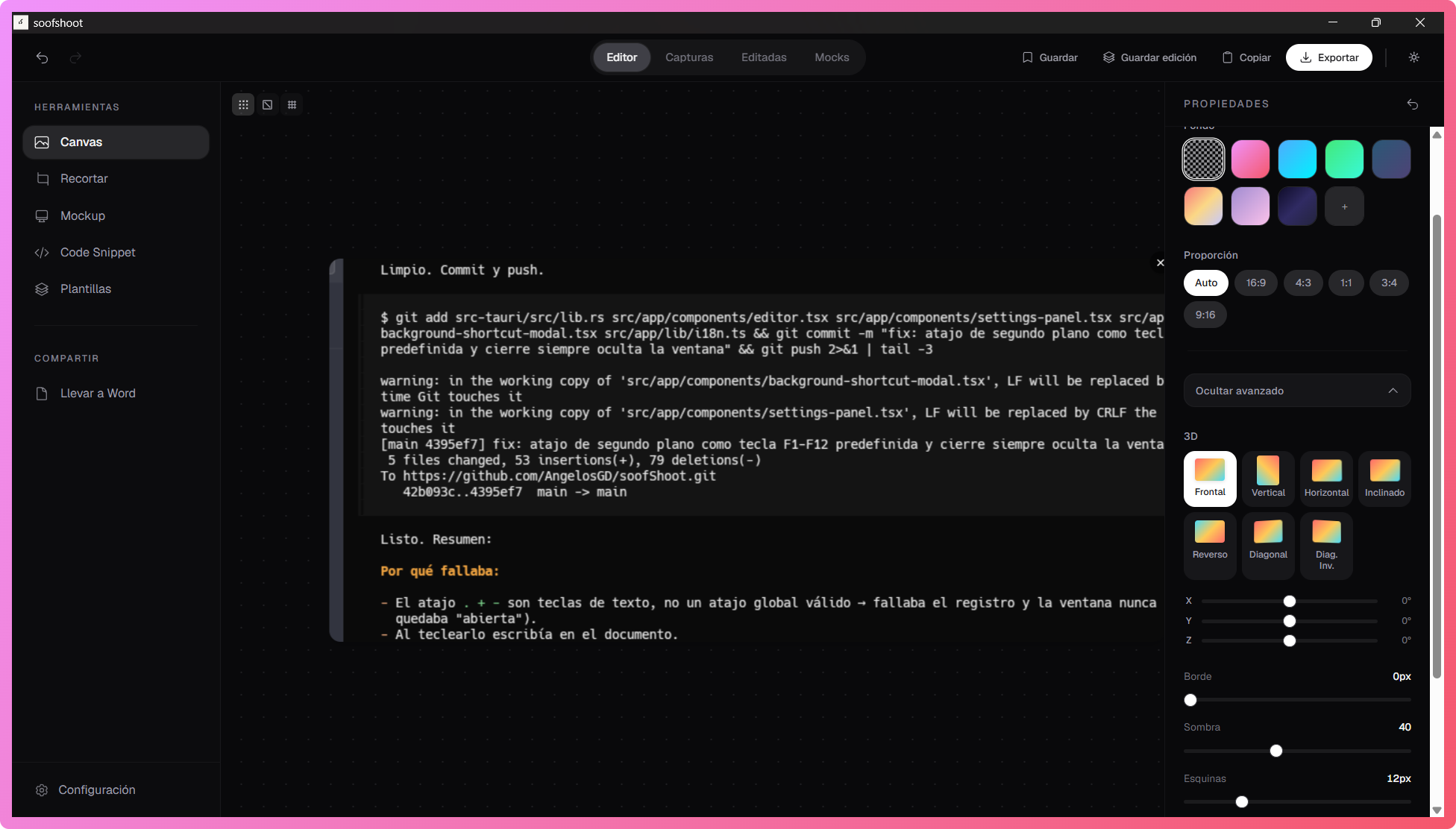
Background, padding, filters, borders, shadows, rounded corners, 3D rotation and precise cropping.
Screen Capture · Reimagined
Select any region of your screen, refine it with canvas tools, overlay device mockups, extract text with OCR and export to PNG, PDF or straight to Word. No accounts, no limits, no distractions.
Features
Background, padding, filters, borders, shadows, rounded corners, 3D rotation and precise cropping.
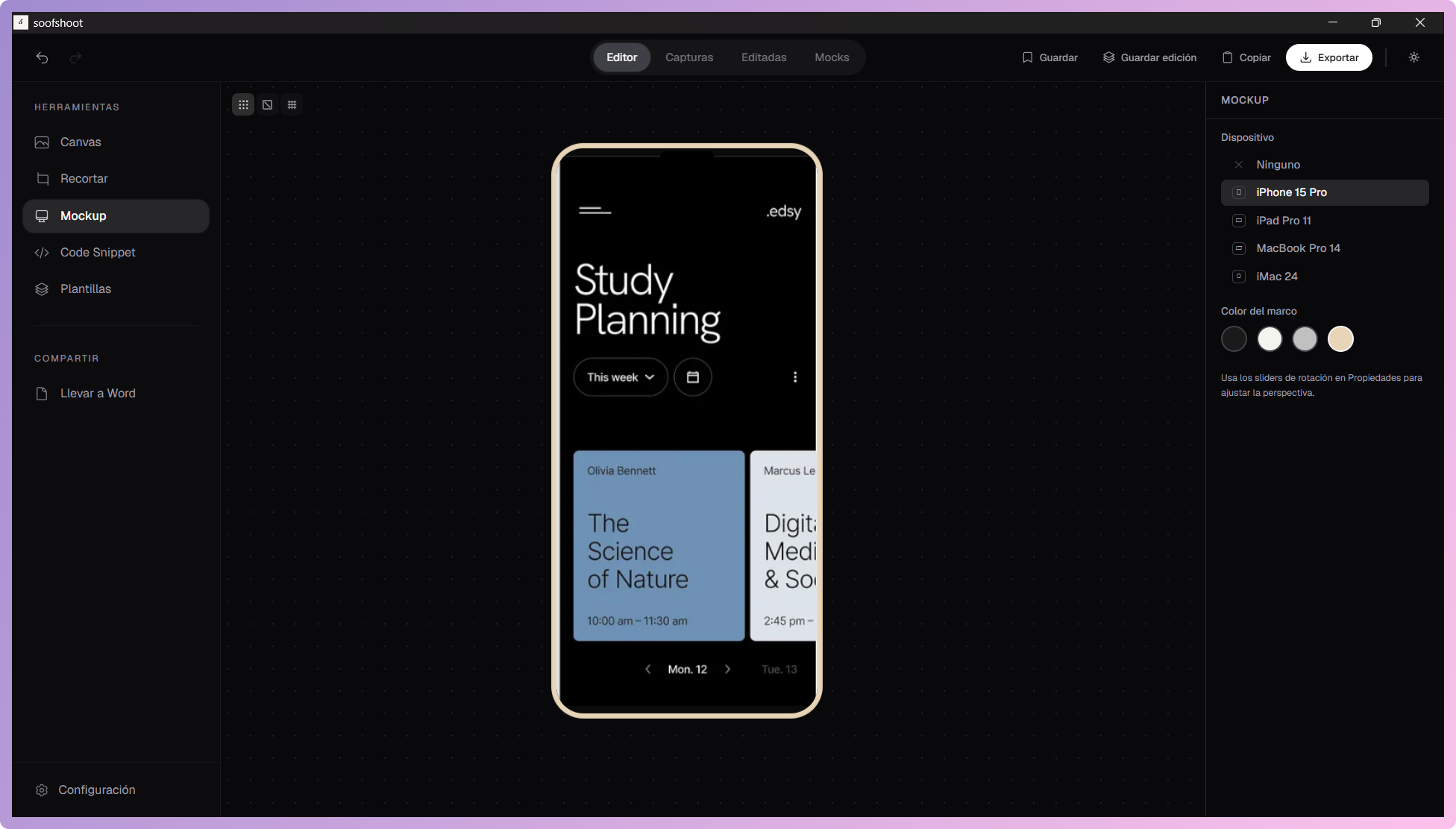
Overlay your captures on iPhone, iPad or Mac. Perfect for presentations and portfolios.
Select any region with customizable shortcuts. Capture instantly, no interruptions.
Extract text with Tesseract.js. Auto-detects and formats code to copy instantly.
PNG, JPEG or WebP. Batch-export to PDF, copy to clipboard or insert straight into Word.
No accounts, no subscriptions, no hidden limits. Download and start instantly.
Get it now
Available for Windows — choose your architecture.
x32 · x64